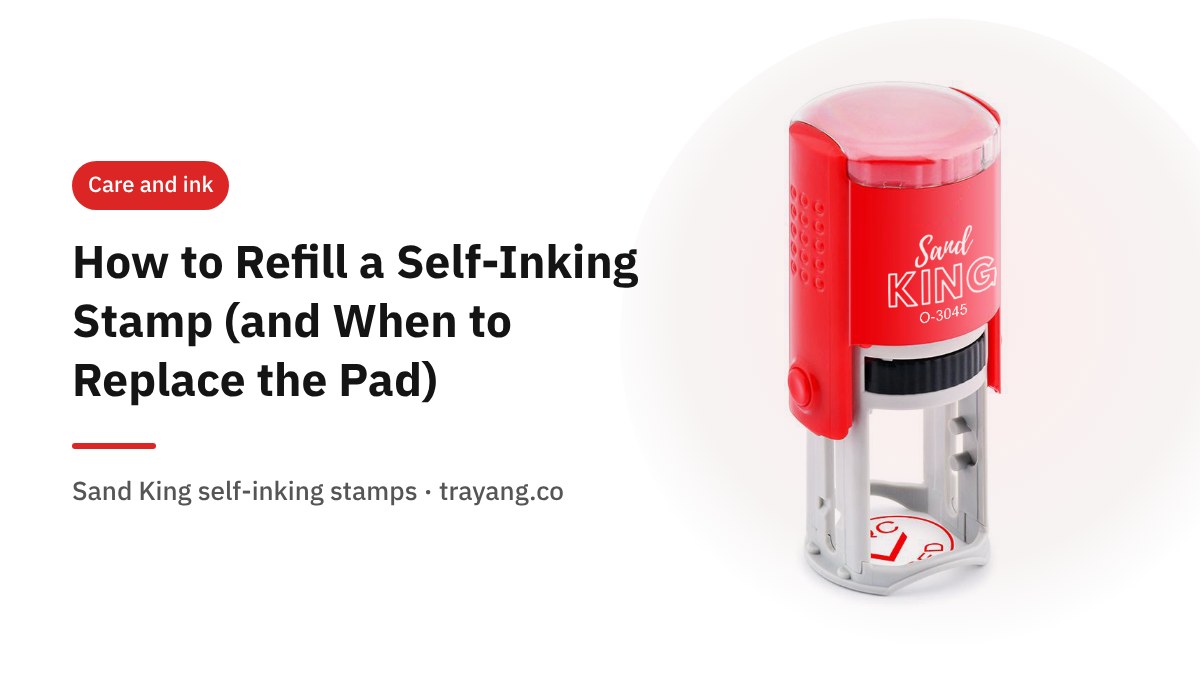
To refill a self-inking stamp, remove the ink cartridge, drip refill ink of the same colour evenly over the pad a little at a time, let it soak in, put the cartridge back and test on scrap paper. If the impression is still pale after refilling, or the pad has gone hard and the ink just sits on top, the pad is worn out and a new cartridge works better than more ink.
These steps come from the questions our customers send us on LINE most often. They apply to most flip-style self-inking stamps; models differ in how the cartridge comes out.
First, check that the ink is really the problem
- The whole impression is evenly pale: the pad is running dry. Refill it.
- Parts are missing while other parts are dark: usually uneven pressure, an uneven surface or paper dust on the rubber. Clean the rubber face first.
- Still pale after refilling, or ink pools on the pad: the pad is hard or saturated. Replace the cartridge.
What you need
- Refill ink in the same colour as the current ink
- Newspaper or scrap paper to protect the desk
- Blank paper for test impressions
- Tissue to blot excess ink
Step by step
- Check the colour and type of the existing ink. Use the same colour. If you are not sure which cartridge your model uses, send a photo of the stamp on LINE and we will tell you.
- Remove the cartridge. On most flip-style stamps it slides out from the side. Some models need the handle pressed down slightly first so the cartridge can slide. Do it gently; do not lever it out with anything sharp.
- Drip ink evenly over the pad. A few drops at a time, spread across the surface. Too little and add more later is better than too much and overflowing.
- Let it soak in. Leave the cartridge face up until no wet drops remain on the surface.
- Refit and test. Stamp several times on blank paper until the impression is even. If it is still pale, add a little more ink.
Classic handle stamps work the same way: drip ink onto the separate pad and spread it evenly.
Refill or replace?
| What you see | Do this | Why |
|---|---|---|
| Evenly pale, pad still soft | Refill | The pad still absorbs ink |
| Still pale after refilling, pad hard | Replace the cartridge | The pad material is worn out |
| Wrong ink was used, pad swollen or smudging | Replace the cartridge | Mixed inks are hard to clean out |
| You want to change colour, e.g. blue to black | Replace the cartridge | New colour over old gives a muddy colour |
| Rubber worn, letters broken | Order a new stamp | The problem is the rubber, not the ink |
Choosing refill ink
Refill inks for paper come in black, blue and red. Three rules:
- Always the same colour as the ink already in the pad.
- Ink made for stamp pads, not fountain-pen or printer ink.
- Paper ink for paper. Smooth surfaces like plastic or glass need special ink, which we check from a photo of the material before quoting.
Keeping the stamp working longer
- Lock or cover the stamp when not in use so the pad does not dry out.
- Store it flat, away from direct sun and heat.
- Wipe paper dust off the rubber now and then.
- Press straight down on a flat surface with even pressure.
Common problems after refilling
| Problem | Likely cause | Fix |
|---|---|---|
| Blotchy, too-dark impressions | Too much ink | Stamp several times on scrap paper, or blot the pad gently with tissue |
| Still pale on one side | Ink not spread evenly | Add a few drops on the pale side and let it soak in |
| Ink on fingers or the housing | Overfilled pad | Wipe the housing and leave the cartridge face up longer before refitting |
| Colour looks wrong | Different colour or ink type mixed in | Replace the cartridge |
If none of these helps and the letters themselves look broken or worn, the rubber is the problem. Send a photo of the stamp and an impression on LINE and we will tell you whether a new pad or a new stamp is the answer.
Refilling a classic ink pad
A separate ink pad for a classic handle stamp is refilled the same way: drip refill ink of the same colour across the pad, spread it with the bottle nozzle if needed, let it soak in, then test. Keep the lid closed between uses. If you use several colours, keep one pad per colour and never mix them. Stamps that sit unused for weeks may need a light refill before you use them again, even if they were fine last time.
Which colour for which job
Offices often settle on a colour per purpose, for example blue for signatures and approvals, black for company details, and red for URGENT or CANCELLED. Whatever you choose, refill each stamp with its own colour only. If you need the same stamp in two colours, it is simpler to have two stamps than to switch cartridges back and forth.
Frequently asked questions
How often should I refill?
When impressions start getting evenly lighter. How often depends on how much you stamp.
Can I use any ink?
Use stamp-pad refill ink in the same colour as the existing ink. Other inks can damage the pad.
Can I change the ink colour?
Replace the cartridge with one in the new colour rather than refilling over the old ink.
My stamp has broken letters. Will ink help?
No. If the rubber itself is worn, a new stamp is needed.
Not sure which cartridge or ink fits your stamp? Send a photo on LINE @trayang.th. Need a new stamp? See our self-inking stamps.